A voice for patients who can't speak
Trachytalk is a free text-to-speech app with a full-screen keyboard, designed for tracheostomy patients and anyone who is physiologically non-verbal.


Free. No ads. No data collection. Ever.
Designed for the bedside
Every detail is built around the needs of a patient who is awake, aware, and has things to say — but physically cannot speak.
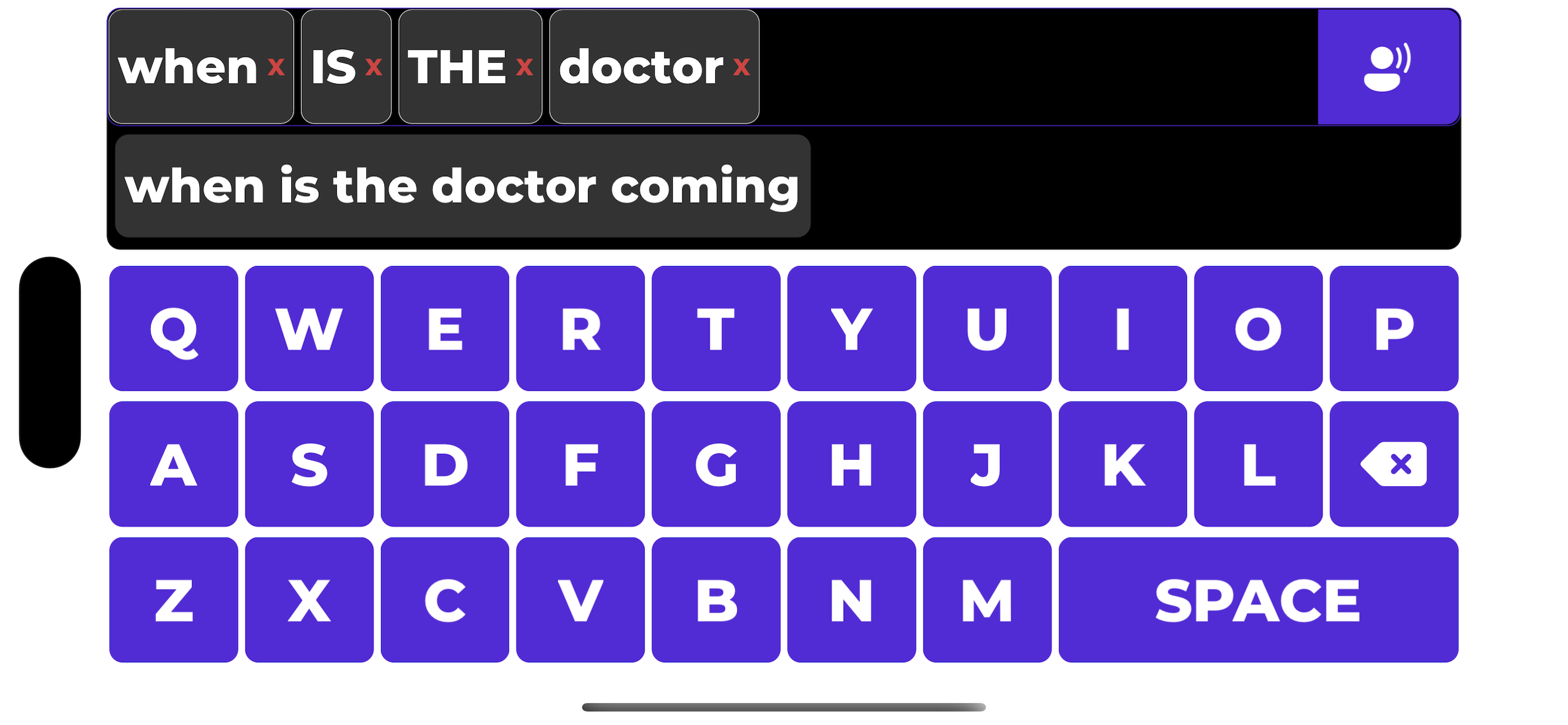
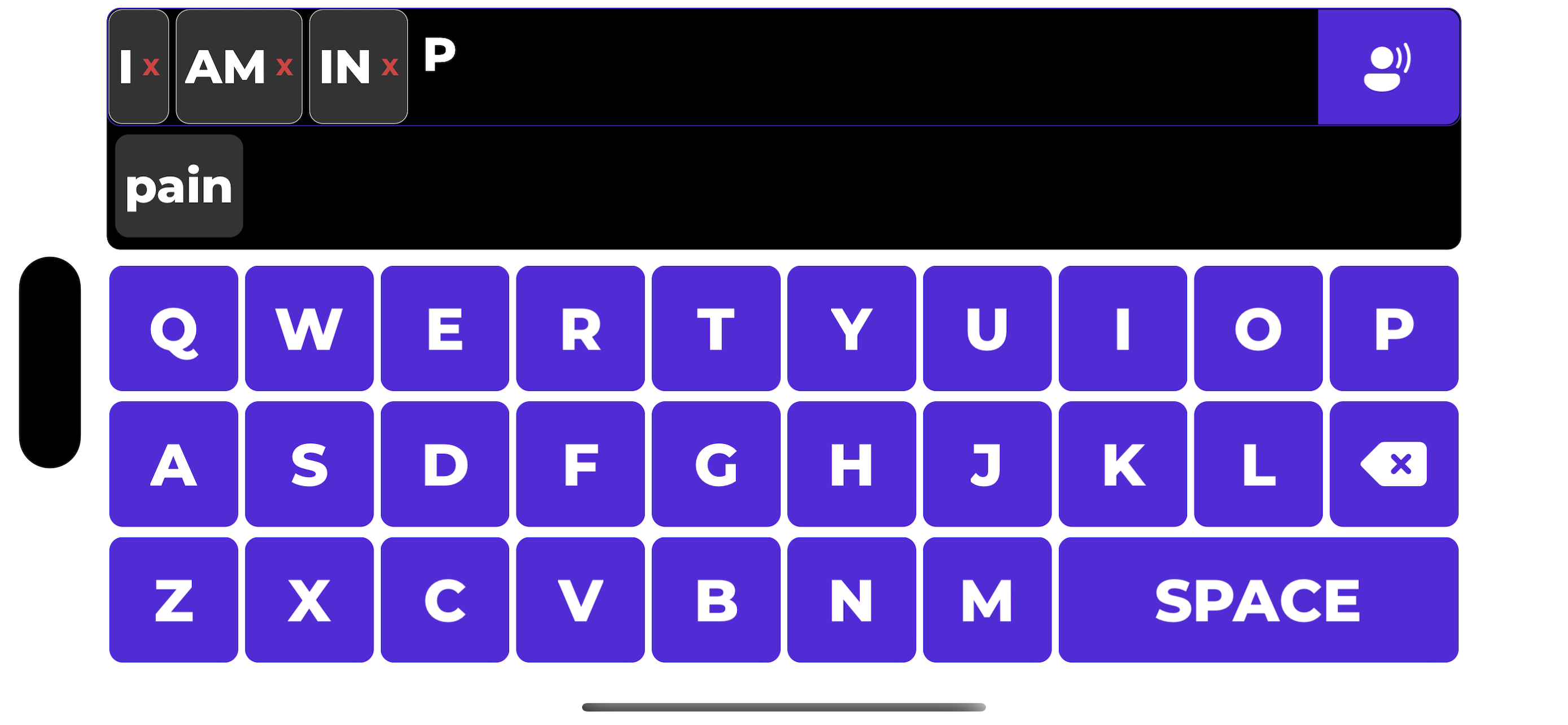
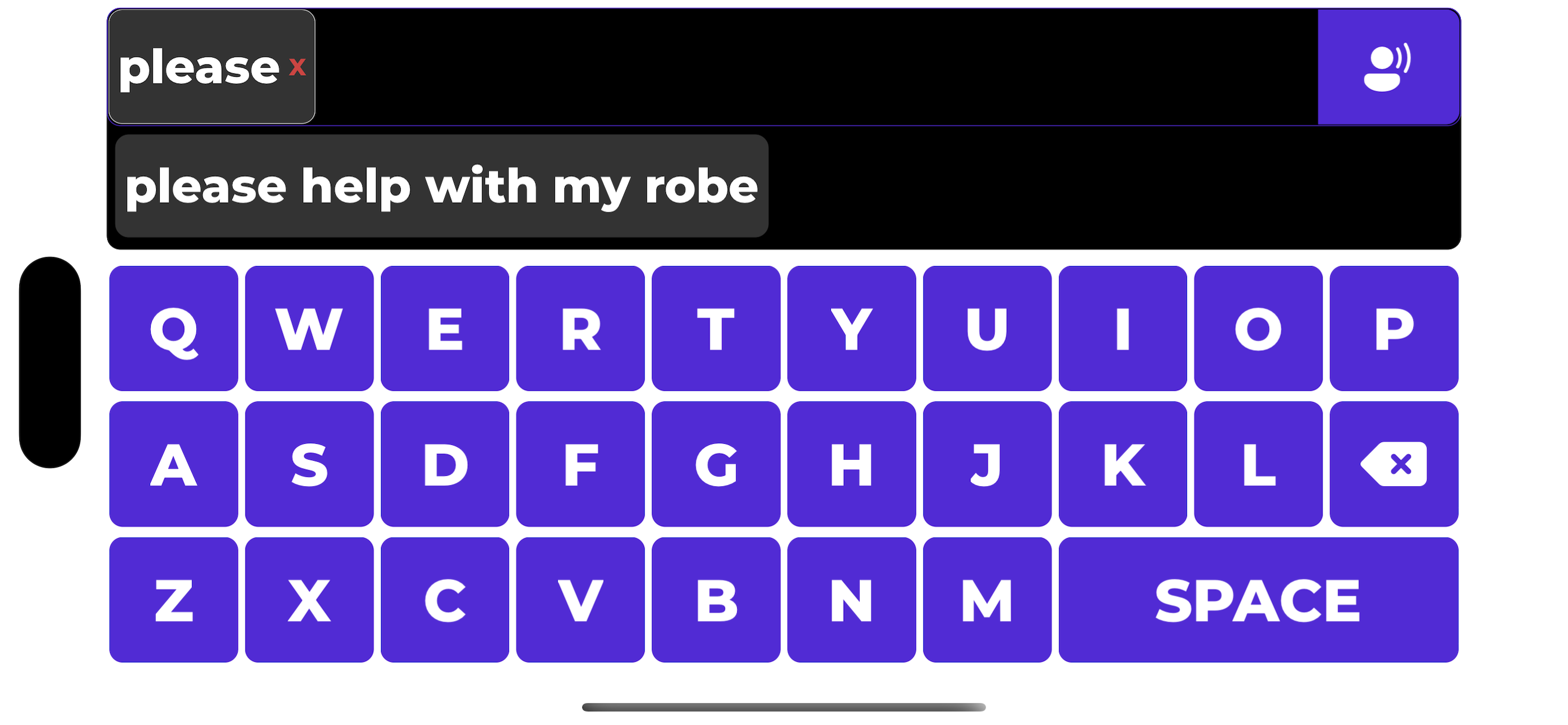
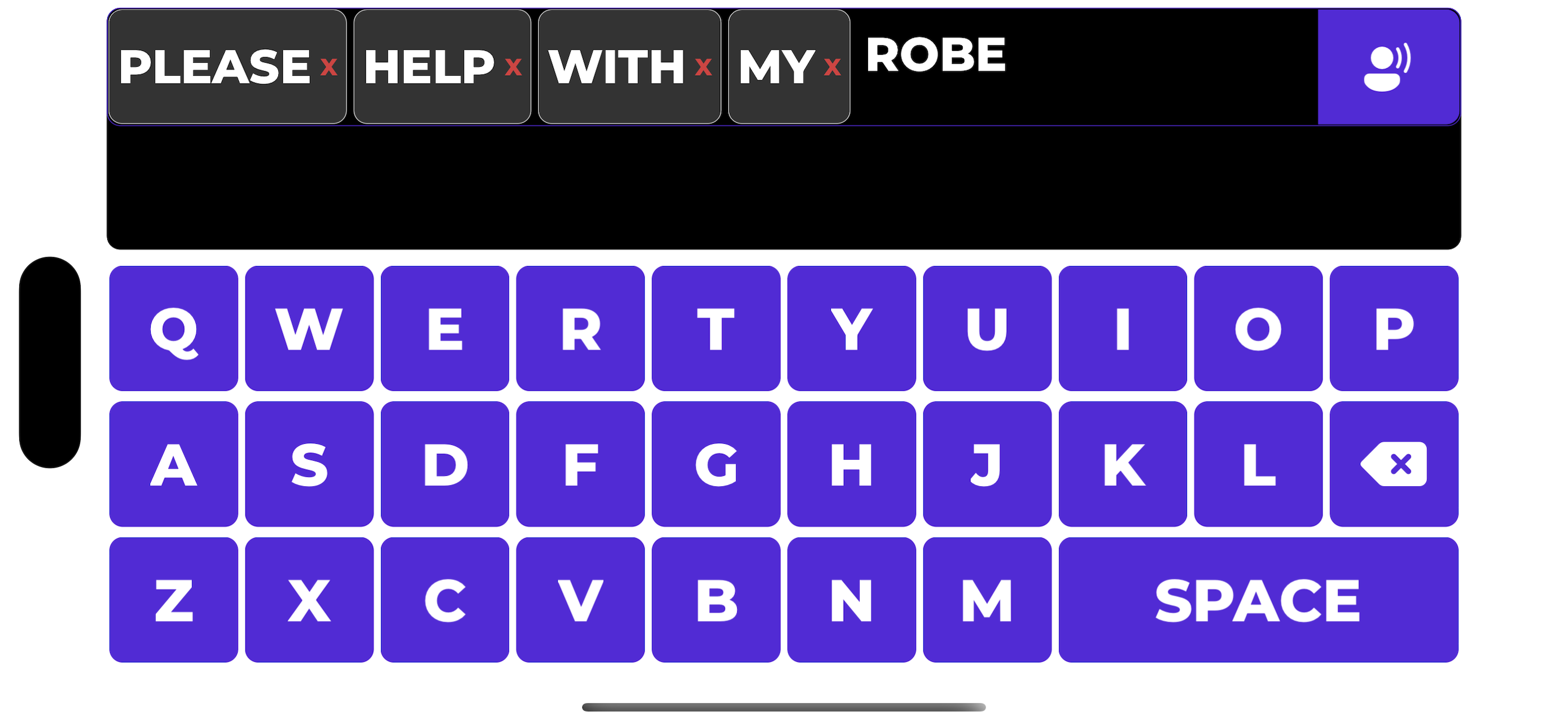
Full-screen keyboard
Large, high-contrast keys that are easy to see and tap, even for patients with limited visual acuity or dexterity.
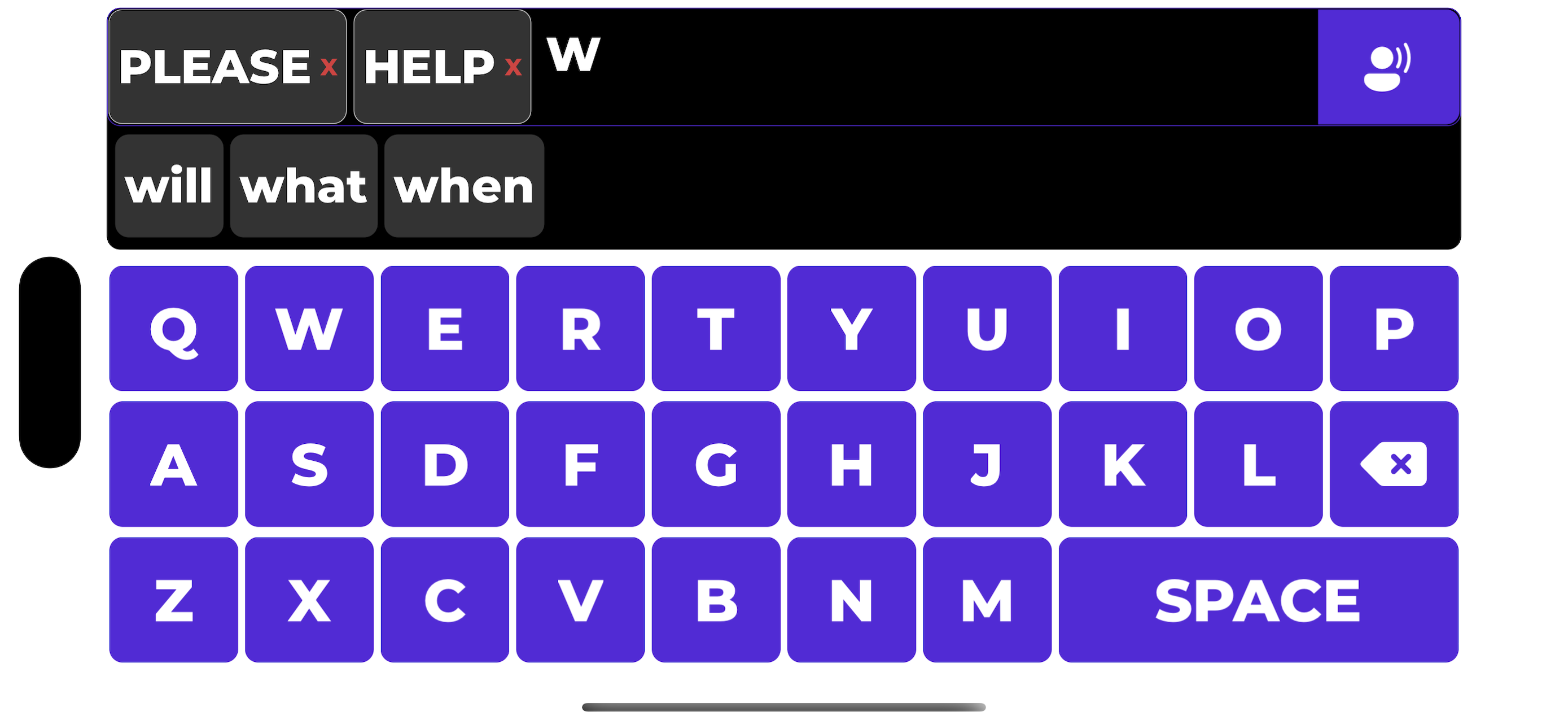
Word predictions
Smart suggestions appear as the patient types, so they can communicate faster with fewer taps.
Review before speaking
Words appear as removable chips, so the patient can easily review and edit their phrase before the device speaks it.
Text-to-speech
One tap to speak the composed phrase aloud using the device's built-in voice, so the patient can be heard clearly.
Works offline
No internet connection needed. Everything runs on-device, which also means nothing the patient types ever leaves their phone.
iOS and Android
Available on both platforms, so it works on whatever phone the patient or ward already has to hand.
See it in action
Big keys, clear text, and a simple flow from typing to speaking.
Why this exists
My mother was in critical care with a tracheostomy. When she was woken from her induced coma, the tube meant she couldn't speak. She didn't have the strength or dexterity to hold a pen either.
We tried the built-in text-to-speech on her phone, but the keyboard was far too small. Between the medication, painkillers, and her physical state, she couldn't see the letters clearly or tap them accurately.
I looked for alternatives. The non-verbal communication apps I found were designed for patients who are neurologically non-verbal — featuring icons, common phrases, and symbol boards. These are valuable tools, but they weren't what she needed. She knew exactly what she wanted to say. She just couldn't say it.
So I built Trachytalk: a full-screen keyboard with big, clear letters, word predictions, and a simple one-tap speak button. Nothing more, nothing less.
Trachytalk is free and always will be.
Help your patients be heard
If you work in critical care, or know someone who can't speak right now, Trachytalk is ready to help.